
Every site, through one door.
Girici is a self-hosted web proxy that runs on Node.js. A service worker in your browser rewrites each page, and your server only relays the bytes.
https://en.wikipedia.org/wiki/Istanbulproxy.example/~/https/en.wikipedia.org/wiki/Istanbul- You type an address.
- It goes through the door.
- It comes out on your own server.
Built to be opened every day.
Browse
Type an address or a search, or pick up a recent site with one click.
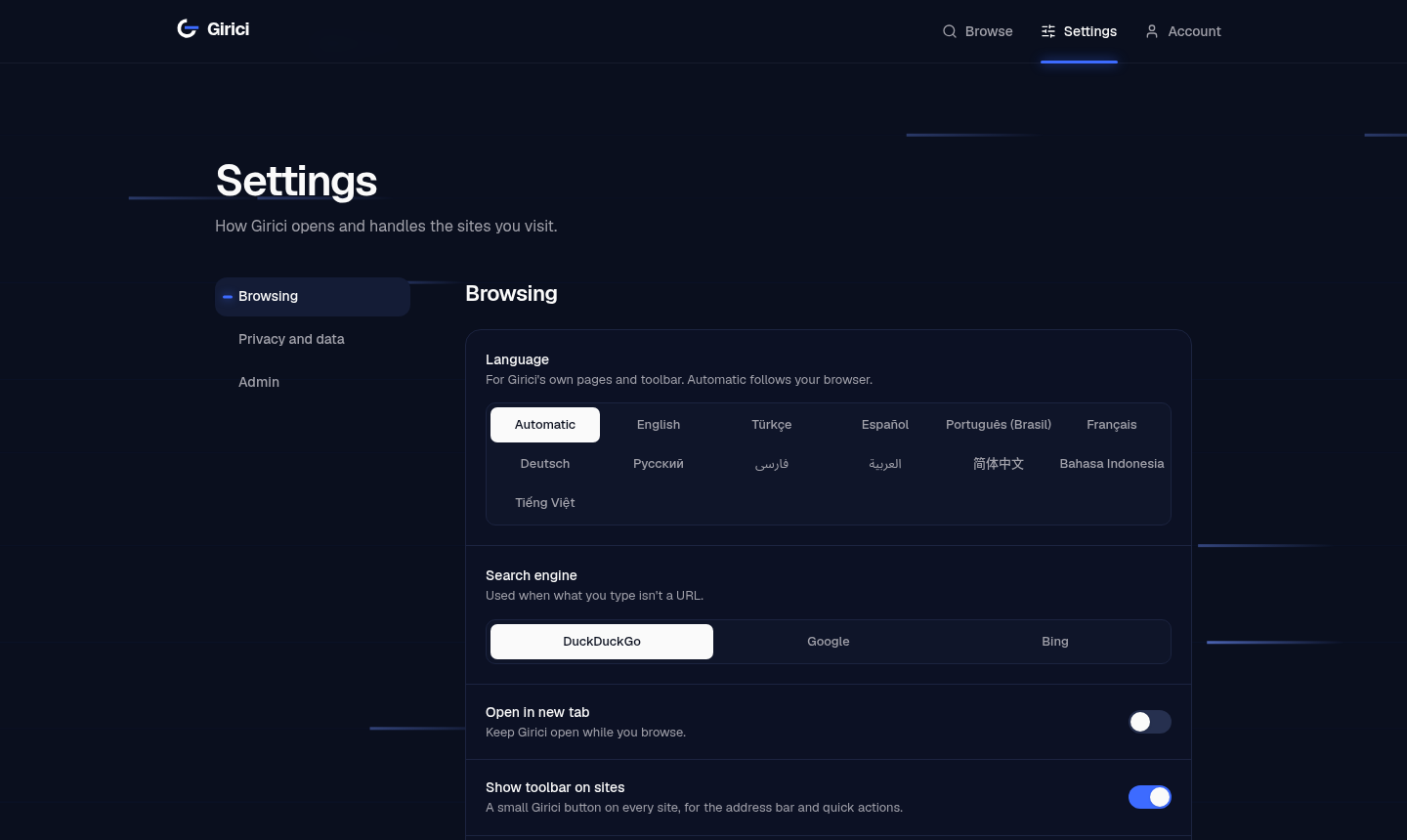
Settings
Language, search engine, cookies and history for you; access, branding and blocked sites for the admin.
Sign-in
Private by default. Open it to the public when you want, and visitors get a short introduction first.


The route a request takes
Rewriting happens in your browser. The server never parses a page, it moves bytes.
Your tab
You open a site from Girici. Its address becomes /~/https/site/, so links, imports and fonts resolve on their own.
Service worker
Catches every request the page makes and rewrites its HTML, CSS and JavaScript, right in your browser.
Girici server
Relays the bytes. It refuses private and loopback addresses, so nobody can use it to reach your network.
The site
Sees a visitor on your server's connection, wherever you deploy it.
Safe before you touch a setting
A fresh instance is private, guarded and quiet. Every limit can be tuned with an environment variable.
- Sign-in gate
- One admin account, created on first run with a code from the server log. Nobody browses signed out.
- SSRF guard
- Private, loopback and link-local addresses are refused before a connection opens.
- CSRF checks
- Requests that change state have to come from Girici's own pages.
- Rate limits
- Sign-in attempts and proxy traffic are capped per visitor, with an optional bandwidth cap.
- Quiet logs
- Visited addresses, cookies and credentials stay out of the logs.
- Small image
- A distroless runtime with no shell, running as an unprivileged user.
Two ways to run it
Single origin
proxy.example/~/https/wikipedia.org/The default. One host and one certificate. Girici keeps sites apart in JavaScript.
Subdomain mode
k3f9a2.proxy.example/~/https/wikipedia.org/Each site gets a host of its own, so the browser's same-origin rule keeps sites apart. Set up subdomain mode
Open the door.
$docker run -d -p 3000:3000 -v girici_data:/data halitsever/girici-web-proxy:latestThen open port 3000 and create the admin account with the code Girici prints to its log.
Coming from php-proxy? See how the two compare.